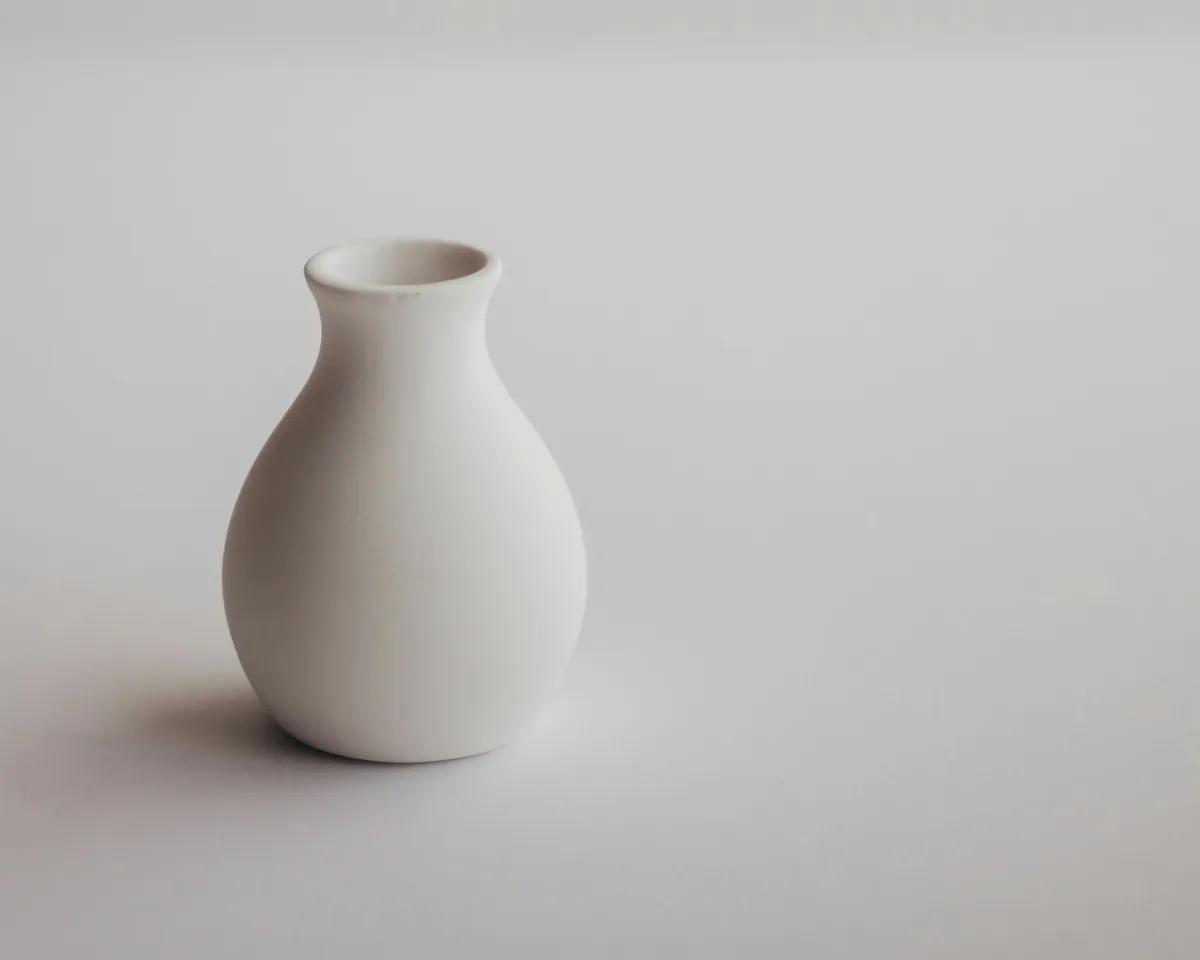
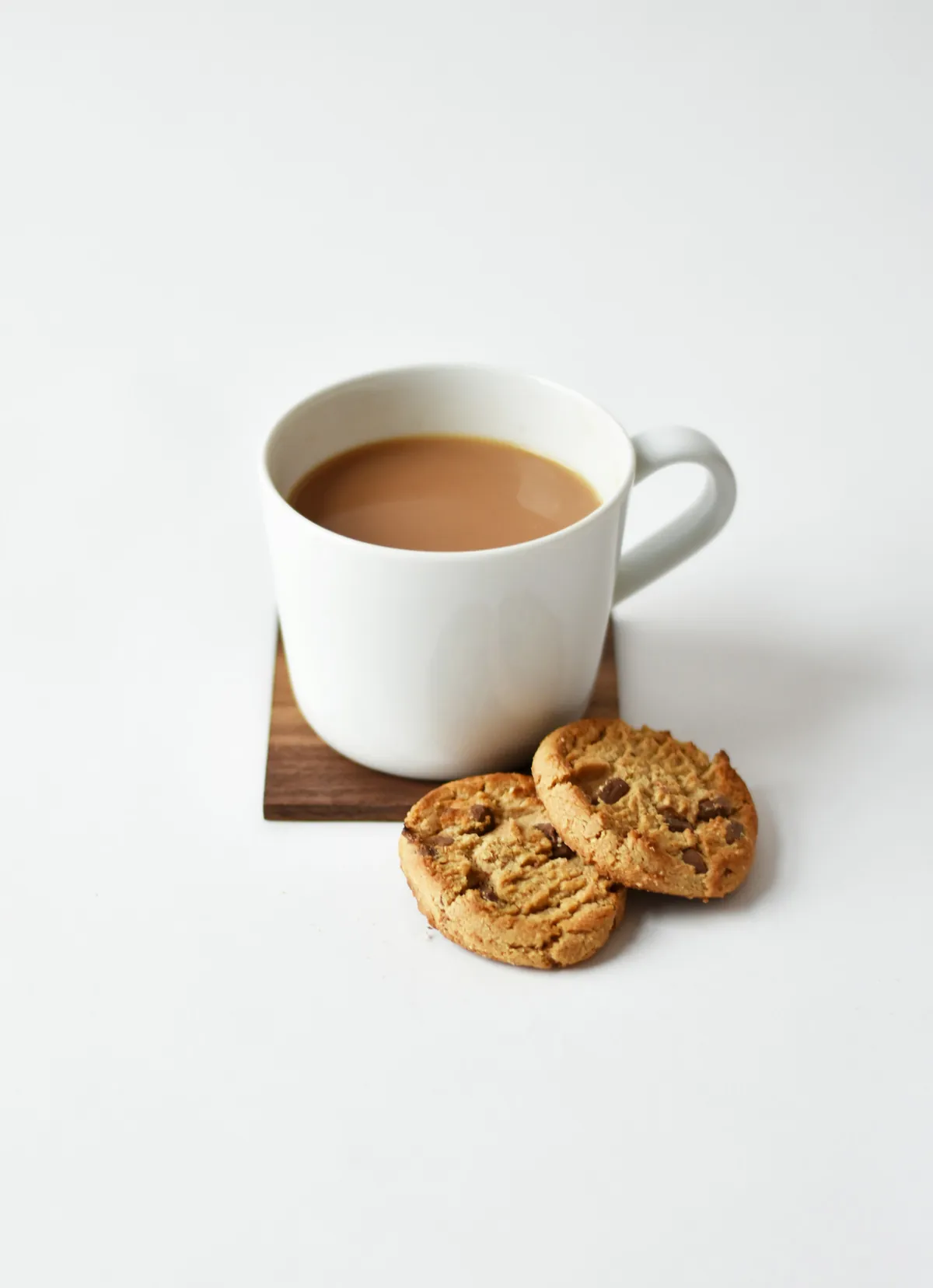
What a cutout is and what online shops should check: white background, shadows, consistent series and clean edges on hair, fur and glass.
A cutout is a product image in which the subject has been cleanly separated from its original background, so it can sit on white, coloured or transparent ground. Online shops use cutouts because they make product pages calm and easy to compare. This guide explains what matters for background, shadow, edges and series.
What is a cutout?
For a cutout, the product is selected with a path or a mask and separated from the background. Only the subject remains. The background can then be chosen freely: pure white, a block of colour, a gradient or a scene. If the subject is saved with a transparent background, it can be used in very different layouts.
Automatic selection tools give usable starting points for simple shapes. Fine edges, transitions and reflections still need manual control, because small flaws are quickly noticed in a shop.
Why do online shops use cutout images?
Category pages show many products side by side. If every picture has a different background, different light and a different crop, the range looks restless and the eye finds nothing to rest on. Cutouts draw attention to the product itself: its shape, colour and material.
Uniform grid: All products appear on the same ground and can be compared directly.
Reuse: One cutout can serve the shop, a newsletter, a catalogue or a marketplace.
Fewer distractions: Creases in the cloth, dust on the table or objects in the room disappear with the old background.
Many marketplaces require a white background. The rules differ by platform and change over time, so check the provider's current guidelines before editing.
How do you get a clean white background and shadow?
A white background should look even and free of colour casts, right up to the edge of the product. Typical faults are a slight grey haze, a pale halo around the subject, or remnants of the old background in fine gaps. White products need extra care: if the outline disappears into the white, it needs a little definition, for example from a soft shadow or a light edge.
Without a shadow, a product seems to float. A shadow gives it weight and body. Three variants are common:
Contact shadow: tight and dark directly beneath the product, showing where it rests.
Floor shadow: soft and larger, suggesting the direction of the light.
Reflection: a gentle mirror image on a glossy surface, sensible only if it suits the shop's style.
What counts is consistency: direction, softness and strength of the shadow should be the same for every product. The shadow is often rebuilt, because the original depends on the old background and the light of the shoot.
How do you keep a series consistent?
Consistency comes from fixed rules that apply to every image. These points have proved their worth:
The same crop and the same margin around the product.
The same alignment: the product stands on the same baseline and sits in the centre or at the same position.
The same brightness and colour temperature, so white looks equally white everywhere.
The same shadow in type, direction and strength.
The same image size and file format for the shop.
When new products are added later, written-down settings help a new image match the existing ones. You can read more about product images on the relevant page.
How do you get clean edges, even on difficult subjects?
A good edge matches the sharpness of the photo. If it is too hard, the product looks cut out and stuck on. If it is too soft, it looks smeared. Colour fringes must also be removed: remnants of the old background colour that cling to the edge of the subject and show up as a line on white.
Hair and fur
Fine strands and hairs are semi-transparent. A hard selection cuts them off and makes the subject look like an outline. A better approach is a mask that keeps the fine transitions and removes the colour of the old background from the hair.
Glass and transparent materials
With glass, the background shows through the product. After the cutout, the transparency has to be rebuilt without losing the light edges and reflections that make glass look like glass.
Reflective surfaces
Chrome, lacquer and polished surfaces mirror their surroundings. Retouching should reduce distracting reflections, for example of the studio or the camera, while keeping the highlights that show shape and material.
If you would rather not make cutouts yourself, you can order them from Fotowerker. The Swiss company in Rorschacherberg works with its own production team in Indonesia, from the simple cutout to demanding retouching. A free sample edit is possible, and the price depends exactly on the effort involved. Enquiries go through the contact page, and notes on costs can be found under prices.
Frequently asked questions
What is the difference between a cutout and retouching?
A cutout separates the subject from the background. Retouching improves the subject itself, for example by removing dust, scratches or colour flaws. With product images, both steps often go together.
Does every online shop need a white background?
No. White is widespread and required by many marketplaces, but a shop of its own can also use a colour or a uniform scene. What matters is that it stays the same for every product.
Can any photo become a cutout?
Usually yes, but the quality depends on the original. Sharp edges, even light and a calm background make the work much easier.
Why does my cutout show a pale edge on a dark background?
These are colour fringes from the old background. They only become visible when the new ground is darker. Cleanly edited edges do not contain these remnants.
Should the shadow stay in the image?
A shadow looks more natural than a product with no contact with the ground. It should look the same across the whole series, and it can also be created separately if needed.